

Campaigns & Email Broadcasts
Emalc Campaigns empower teams to create, test, and send high-converting email broadcasts to their subscribers with built-in deliverability optimization, intelligent scheduling, and real-time engagement telemetry.
Campaign Delivery WorkflowFrom draft to verified inbox delivery in 3 simple steps
3 steps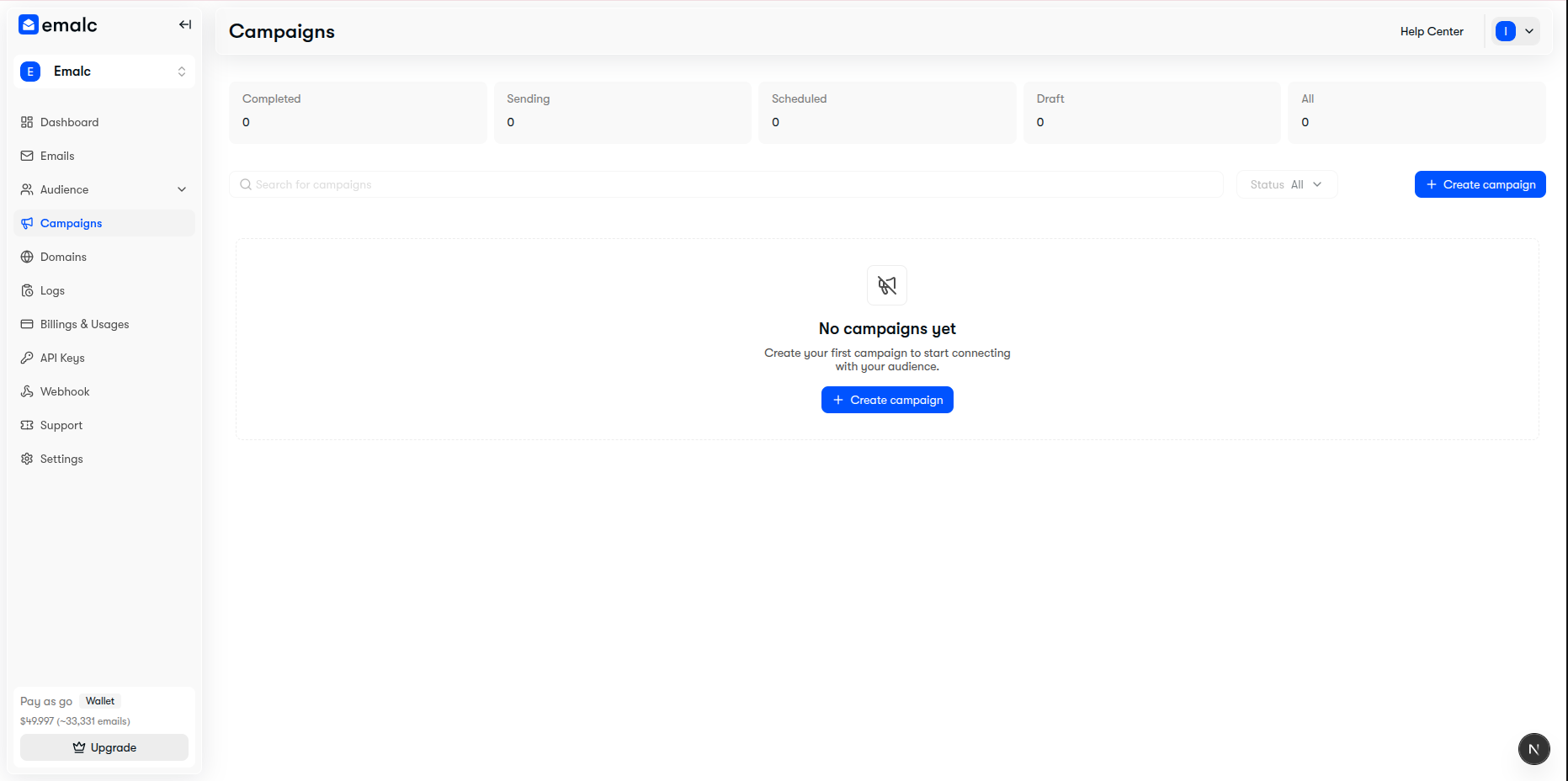 Campaigns dashboard showing overview metrics, search, filter, and Create Campaign button
Prerequisites at a Glance#
Review the requirements for sending a quick test preview versus launching a live scheduled campaign:
| Requirement | Test Email | Live Scheduled Campaign | Details |
|---|---|---|---|
| Verified Sending Domain | Optional | Required | Must be verified with SPF, DKIM, and DMARC in Domains. |
| Recipient Audience Group | Not required | Required | At least one Audience Group with active contacts in Audience. |
| Email Credits / Balance | Free | Required | Monthly plan quota or Pay-as-you-go Wallet balance in Billing & Usages. |
| Subject & Sender Name | Required | Required | Subject line (up to 120 chars) and sender display name. |
| Email Body Content | Required | Required | Rich text or HTML content body. |
| Schedule & Timezone | Not required | Required | Future scheduled date/time or Recipient's local timezone. |
Zero-Credit Testing
You do not need active billing credits or audience lists to test your templates. You can dispatch unlimited test emails to any inbox directly from the editor.
Explore Campaign Features#
Jump directly to the specific guide based on what you need to achieve:
Create & ScheduleEssential
Configure sender identity, select contact groups, exclude lists, set delivery timezones, and review preflight credits.
Design & Message Editors
Craft formatted messages using the WYSIWYG Rich Text editor or raw HTML code editor with dynamic merge variables.
Send Test EmailsRecommended
Dispatch zero-cost test previews to personal inboxes to verify styling, links, and mobile responsiveness.
Analytics & Performance Reports
Inspect live delivery rates, open and click telemetry, subscriber-level activity logs, and export executive PDF reports.