

Audience Overview
The Audience module is your central command center for subscriber management in Emalc. It allows you to maintain clean, verified contact lists, segment subscribers into targeted groups, and protect your domain deliverability with automated suppression filtering.
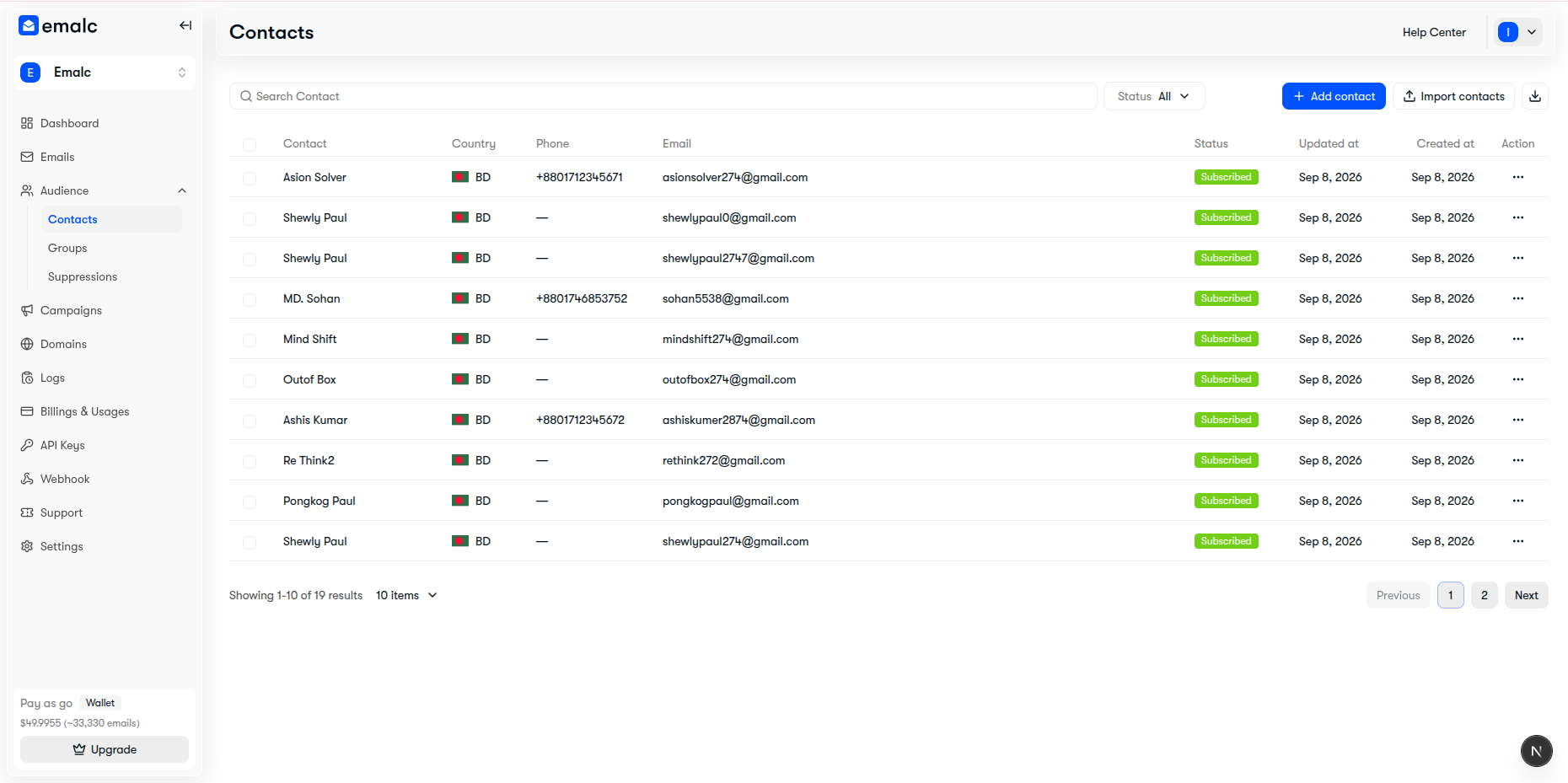 Audience Contacts directory showing subscriber list, status badges, and management toolbar
The 3 Pillars of Audience Management#
Emalc structures audience operations across three specialized sections:
| Section | What it Does | Key Capabilities |
|---|---|---|
| Contacts | Your comprehensive subscriber directory | Single manual entry, 20MB bulk CSV imports, country/phone formatting, status tracking, and CSV exports. |
| Groups | Audience segmentation and targeting | Organize contacts into custom lists (e.g., VIP Customers, Beta Users) or system defaults (Email Subscribed, Email Unsubscribed). |
| Suppressions | Delivery protection and reputation defense | Automatically prevents dispatch to hard bounces, spam complaints, and unsubscribed addresses to protect sender score. |
3-Step Quick Start Workflow#
Get started in minutes
3 steps01
Add or Import Contacts
02
Segment into Groups
03
Target in Campaigns
Key Features & Safety Guardrails#
- Pre-Flight CSV Inspection: Every CSV upload goes through an instant validation engine that categorizes rows into New, Update, and No Change, flagging formatting errors before records enter your database.
- Campaign Lock Protection: Contacts participating in an actively sending or scheduled broadcast campaign are automatically locked (
isLocked) to prevent data conflicts during dispatch. - Mutual-Exclusion Status Sync: Moving a contact to Unsubscribed automatically detaches them from the
default_subscribedgroup and places them intodefault_unsubscribed. - Granular Role Permissions: Control which team members can view, create, update, or export subscriber lists using role-based access control.
Explore Audience Guides#
Add & Import Contacts
Learn how to add single contacts, upload bulk CSV files, download sample templates, and export your audience.
Groups & Segmentation
Understand system default groups, create custom segments, and target or exclude specific audiences in broadcasts.
Suppressions & Bounces
Explore how automated bounce handling, spam complaint filtering, and manual blacklists protect your sender reputation.